
Python Automation for Logic Analyzer Tests (ZP-Logic)
Application note on automating Zeroplus logic analyzer measurements with Python and ZP-Logic software, for large-scale signal verification.

Automated Logic Analysis Applications Using Python and ZP-Logic Software
Python Solution
In today’s high-speed digital development environment, traditional manual measurement has become a major R&D bottleneck. To meet the demands of large-scale validation, engineers must evolve hardware debugging into a fully automated workflow.
Using ZP-Logic Python scripting, R&D and QA engineers can directly trigger measurements, retrieve logic analysis data, and seamlessly integrate these processes into broader automated test systems or cloud-based data platforms.
Core Advantages of ZP-Logic Python System Integration
● Automated Data Analysis & Pre-processing (Bypass CSV Export): Eliminates the need for tedious manual CSV exports. By fetching raw measurement data directly via Python, engineers can leverage data processing tools for real-time timing analysis and anomaly detection.
● Cross-Device Test System Integration: Transforms the logic analyzer from a standalone tool into the heart of an automated measurement ecosystem. Python scripts enable synchronization between the logic analyzer and other test instruments to build a comprehensive hardware testing architecture.
● End-to-End Automated Test Workflows: Integrating the logic analyzer with Python and data analysis tools creates a complete automation framework. This allows test results to be linked directly to databases for streamlined reporting and tracking.
Leveraging the sophisticated data processing capabilities of Python, engineers can expeditiously execute timing analysis, statistical evaluation of test outcomes, and anomalous event detection, thereby augmenting both the velocity and precision of root-cause diagnostics. Furthermore, the high-fidelity signal data acquired via logic analyzers can be seamlessly integrated with test platforms, centralized databases, or automated reporting systems to facilitate the establishment of a comprehensive, end-to-end automated testing architecture.
- Gallery
-
-
 Cross-Device Test System Integration Python Scripts enable synchronization between the logic analyzer and other test instruments to build a comprehensive hardware testing architecture.
-
- Download
-
Python Automated Testing: Logic Analyzer & Advanced Data Analysis Solutions
Large-Scale Signal Verification via Automated API Integration.
Download - Video

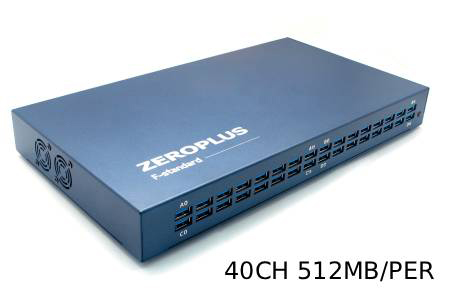
40 Channels High Speed Logic Analyzer
LAP-F140512M | FM00006147
The 40-channel High-Speed Logic Analyzer: Engineered for synchronized multi-bus measurement...
Details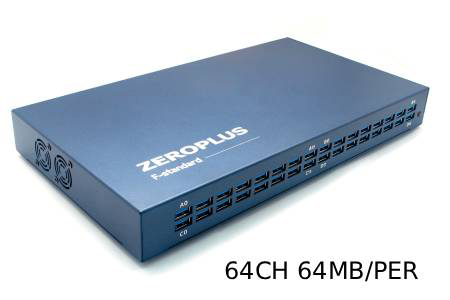
64-Channel Synchronous Logic Analyzer
LAP-F164064 | FM00002619
Harnessing a 64-channel synchronous monitoring core, this system supports internal timing sampling...
Details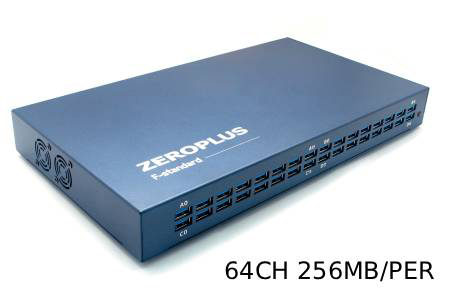
64-Channel Advanced Logic Analyzer
LAP-F164256M | FM00006156
The 64-Channel Advanced Logic Analyzer stands as a perfectly balanced model, integrating 64-channel...
Details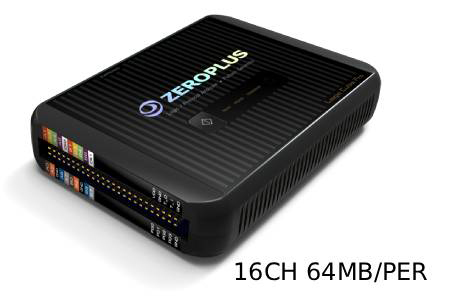
16-Channel Entry-Level High-Performance Logic Analyzer
LAP-C Pro 16064M | FM00007890
The 16-Channel High-Performance Logic Analyzer is ideal for digital development tasks requiring...
Details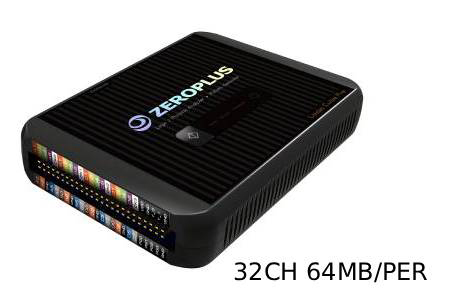
32-Channel High-Performance Logic Analyzer
LAP-C Pro 32064M | FM00007893
The 32-Channel High-Performance Logic Analyzer is ideal for digital system verification tasks...
Details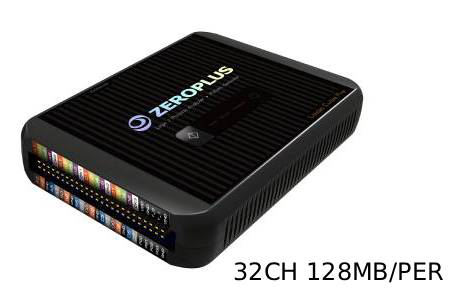
32-Channel Advanced High-Performance Logic Analyzer
LAP-C Pro 32128M | FM00007896
The 32-Channel Advanced High-Performance Logic Analyzer is ideal for development and verification...
Details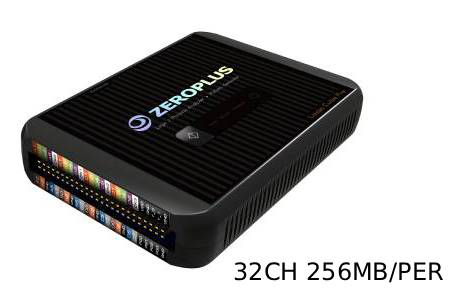
32-Channel Flagship High-Performance Logic Analyzer
LAP-C Pro 32256M | FM00007899
The 32-Channel Flagship High-Performance Logic Analyzer is ideal for advanced development environments...
Details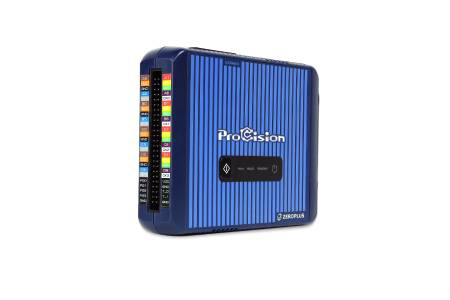
ProCision System Stability Analyzer
FM00011874
The ProCision is a high-density system stability analyzer engineered to replace limited 4-channel...
Details Download
Popular Products
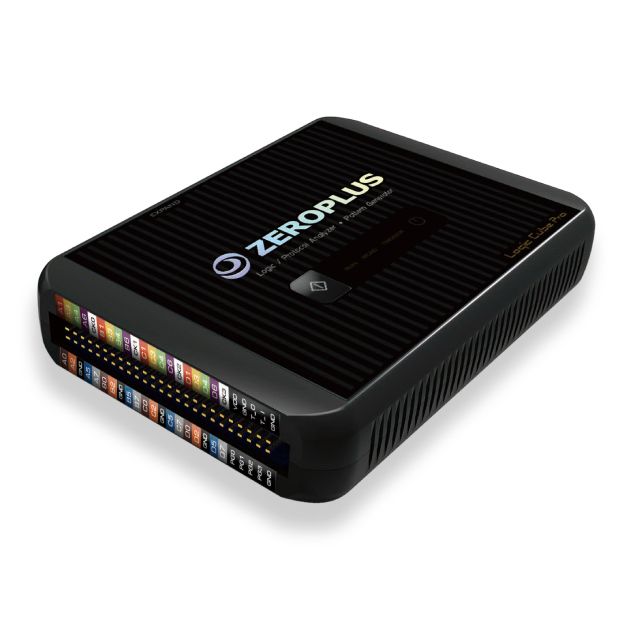
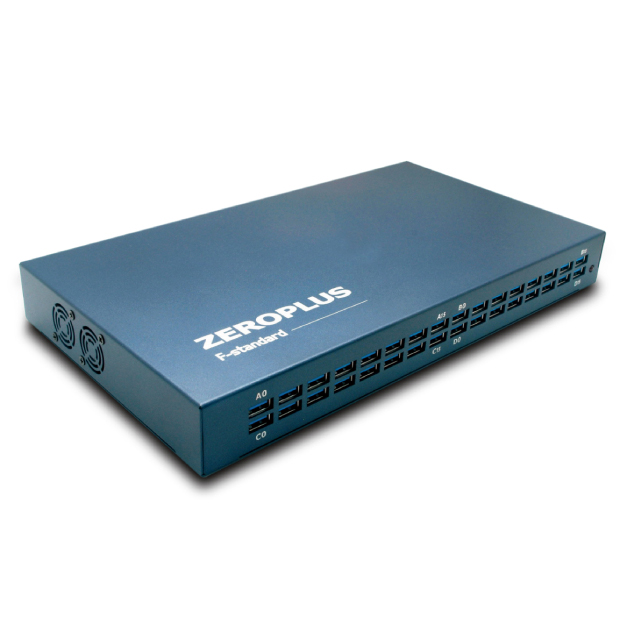
Automating Logic Analyzer Measurements
Repeated measurements are slow when each capture is started, exported and checked by hand. Zeroplus publishes an application note, "Python Automated Testing: Logic Analyzer & Advanced Data Analysis Solutions", describing how measurements can be scripted with ZP-Logic and the captured data passed to analysis tools. ZP-Logic is the software for LAP-C Pro and LAP-F1.
The LAP-C Pro and LAP-F1 software pages also list LabVIEW support, which is an integration option for test systems already built around it. Before planning test system integration, check the scripting interface available for your analyzer model and software version, and request the application note to evaluate whether it covers your test sequence.